Home Network & Wi-Fi Optimization
You've probably accepted it — the Wi-Fi dies past the living room, the video call lags, the kids are up late on tablets. Those aren't “normal.” I fix the things technicians walk past, and I'll teach your family to stay safe online.
Free assessment — on me for the next 2 months. I'll tell you what's actually wrong — and what you don't need to fix — before you spend a ringgit. Serving the Klang Valley from Subang Jaya.
Common Home Network Problems
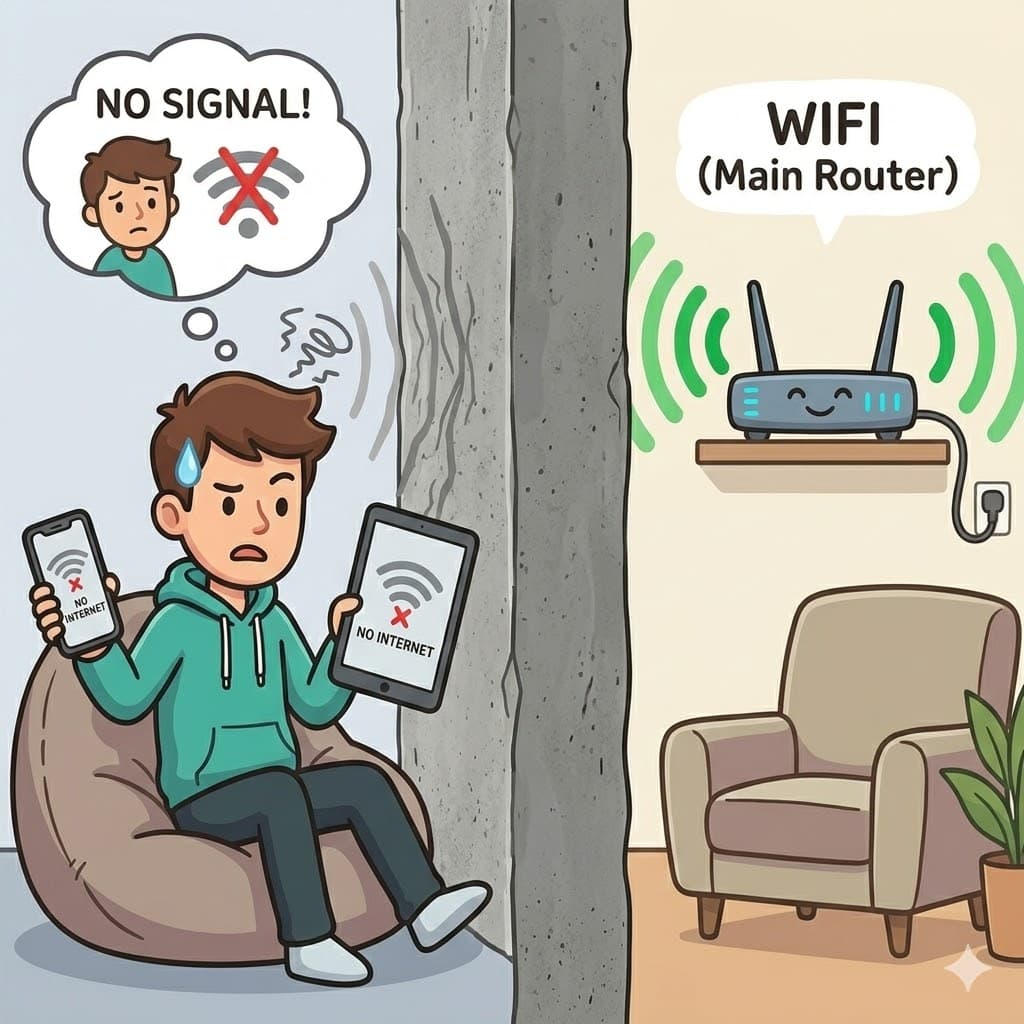
Low / No Wi-Fi Signal
Concrete walls, multi-story layouts, and bad router placement create dead zones where phones and tablets lose internet completely.
✓ Fixed via Mesh Access Points & Signal Tuning
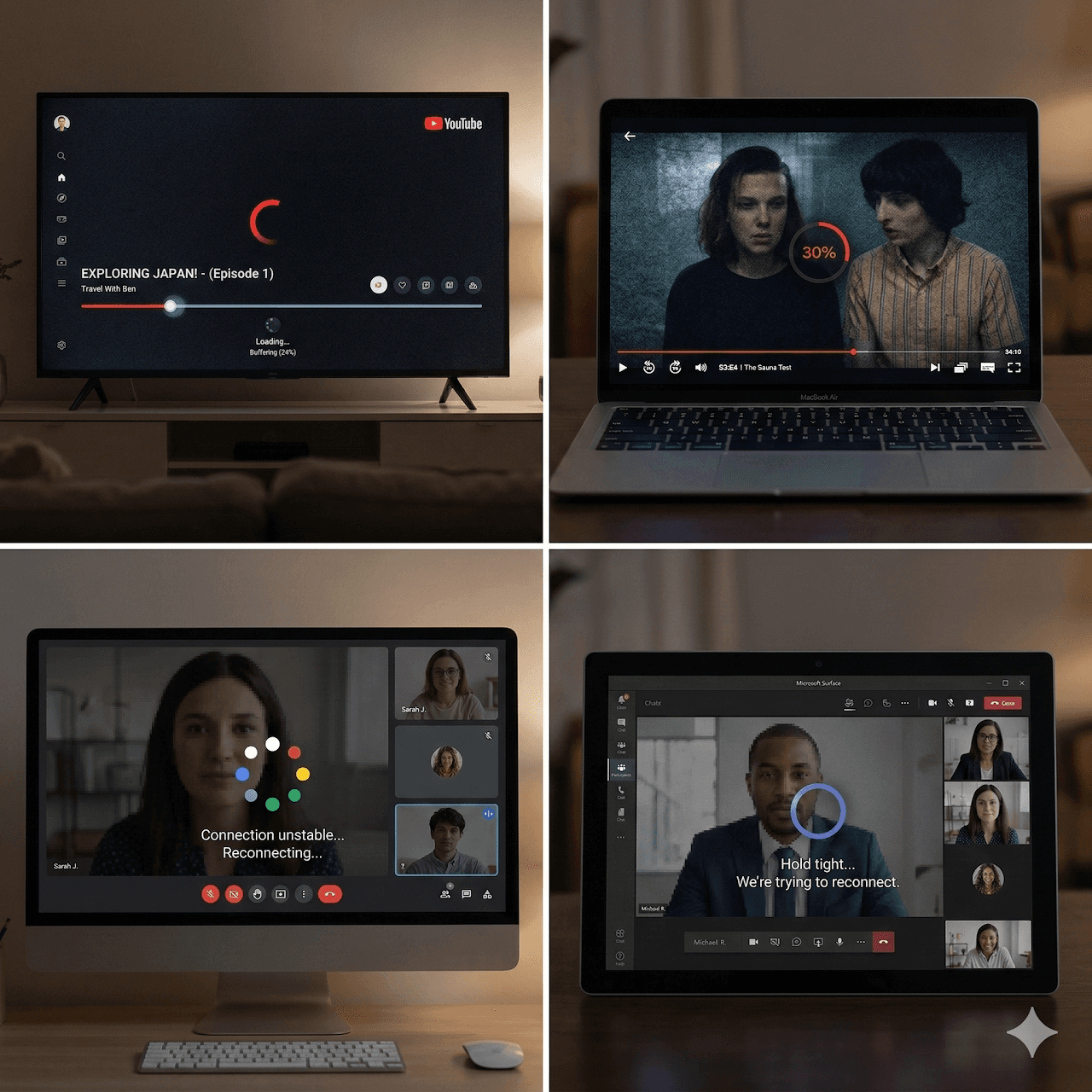
Laggy VPN & Buffering
Work-from-home Teams/Zoom calls reconnecting mid-meeting, buffering 4K video streams, and not getting your full paid bandwidth.
✓ Fixed via Proper Ethernet Cabling & QoS Prioritization

Family Cyber Security & Screen Time
Kids staying up late under blankets on tablets, unmonitored website access, ads, and online security risks across household devices.
✓ Fixed via Router Parental Controls & Shielding
Proper cabling, not more repeaters
Most home networks fail because of bad cabling — not bad routers. Wireless repeaters and range extenders clash on the same bands, cutting your speed in half. The real fix is structured cabling that serves mesh access points.
Cat6/Cat6a backbone
Wired backbone from the router to each floor and room. Data carries properly.
Mesh APs on wire
Wireless access points connected by cable, not by Wi-Fi. No band clashing.
No more repeaters
Repeaters and extenders halved your speed. Proper cabling doesn't.
How I Help You & Your Family (End-to-End)
Consultation & Safety Assessment
- I sit down with you to understand your home layout, internet needs, and budget.
- Straightforward advice on what you actually need — no overspending.
- Evaluate safety needs: screen-time for kids, scam prevention for seniors.
Purchasing & Hardware
- No guessing at the store — I recommend or procure the exact right routers, mesh, cabling.
- Reliable, family-friendly hardware tailored to your home size and usage.
Complete Setup & Guidance
- Full installation and tuning — I test every room before I leave, and tell you where signal is weakest.
- Child-safety protections (content filtering, screen-time) and scam blocking.
- Patient step-by-step guidance so elderly relatives know what to do (and avoid).
Core Services
Mesh Wi-Fi & Signal Tuning
Eliminate dead zones in multi-story homes using calibrated mesh nodes, channel clearing, and power balance tuning.
Structured Cabling
Direct wired Ethernet runs for buffer-free 4K/8K streaming, lower-ping gaming, and home offices with clean wall faceplates.
Cybersecurity Shield
Network-wide ad blocking, malicious site filtering, and parental access controls at the router level.
Home Cloud & NAS Setup
Private automated photo backups, local media servers, and secure remote file access — no monthly cloud fees.
Ready to fix your home network?
Book a home visit, or just WhatsApp me first. I'll tell you honestly if it's a simple fix or needs real work.